DIGITAL TOOLS FOR PODCAST HOSTS

Your next episode.
A clearer plan.

From the first guest email to the final promotion post, bring the moving pieces of your episode together.

Podcast Episode Promotion
and Guest Workflow Kit

Editable templates. Practical examples. A process you can reuse.

US$29 one-timeBuy the Kit · US$29

Digital download · One-business license
Secure checkout and digital delivery through Payhip.

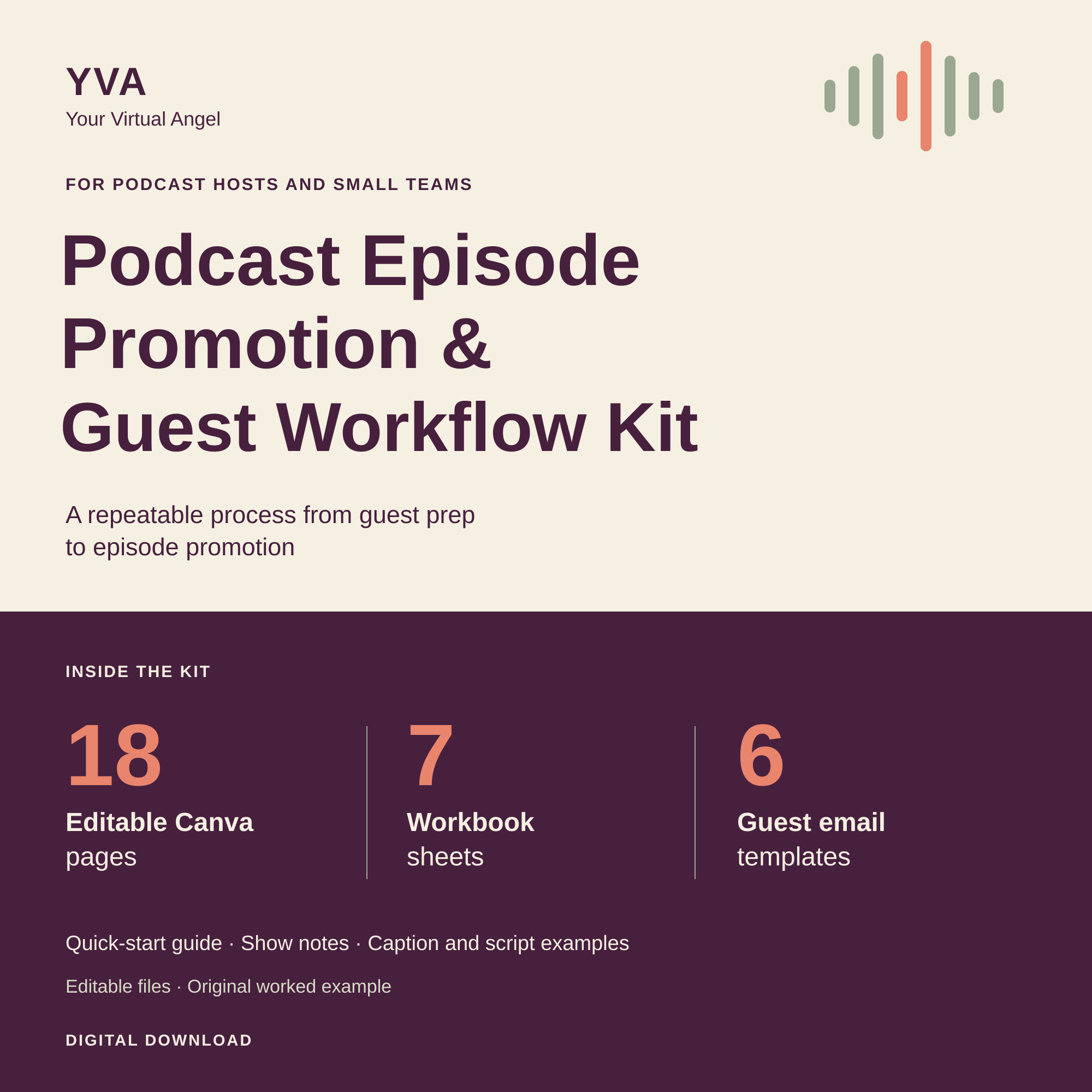
Your Virtual Angel Podcast Episode Promotion and Guest Workflow Kit cover, featuring 18 Canva pages, 7 workbook sheets and 6 guest email templates

A reusable toolkit for your own show and workflow

18Editable Canva pages
7Workbook sheets
6Guest email templates
Canva FreeTested standard workflow

WHAT'S INSIDE

The words, the visuals,
and the next steps.

Start with one episode. Use the pieces that fit your show, then keep the structure for the next one.

01

Keep the episode moving

A seven-sheet workbook brings your episode brief, guest workflow, clip log, release plan, handoff and results into one place, with a worked example to follow.

  • Track next actions and approval evidence
  • Record final files, dates and live links
  • Plan a release sequence that fits your cadence
EDITABLE XLSX WORKBOOK
02

Find your starting words

Adapt seven caption examples and formulas, three original Reel scripts, filled show notes and six guest emails to your episode's actual content.

  • Prepare invitations and recording reminders
  • Handle reschedules and missed sessions
  • Build distinct posts from one episode
PDF + EDITABLE DOCX
03

Make the promotion yours

Customize six social layouts, six Reel storyboard pages and a six-page carousel in Canva. Follow the Quick Start guide as you go.

  • Create your own template copies
  • Replace example text with checked content
  • Use your own approved imagery
18 EDITABLE CANVA PAGES

A LOOK INSIDE

A starting point
you can make yours.

Give your episode a consistent visual direction with editable layouts and a storyboard for planning your next Reel.

These are actual kit samples. The show, guest and episode are fictional demonstrations. Replace their details with your own checked content.

Check compatibility and usage
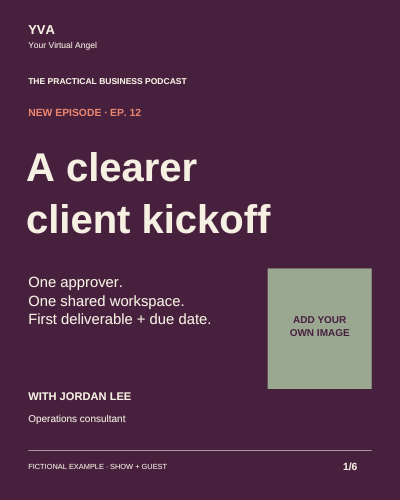
Sample social layout for the fictional episode A clearer client kickoff, with an editable image placeholder
Social layout 1 of 6 pages
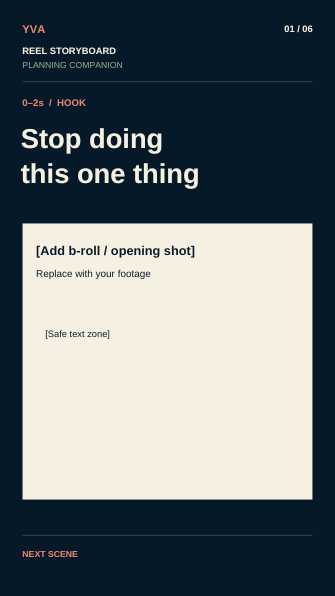
Sample editable Reel storyboard page from the Podcast Kit
Reel storyboard 1 of 6 pages

HOW IT WORKS

One episode. Three practical steps.

  1. 1

    Set the episode direction

    Read the Quick Start guide, duplicate the workbook and complete your episode brief, dates and guest details.

  2. 2

    Adapt your promotion pack

    Use your recording or checked notes to customize the copy, choose your Canva layouts and prepare guest messages.

  3. 3

    Check, publish and learn

    Confirm permissions and approvals, publish through your own tools, then record the live links and measured results.

BEFORE YOU BUY

A few useful
details.

Know what you're getting and what you'll need to use it.

What do I need to use the kit?

A Canva account and a spreadsheet application compatible with XLSX files. The guides and copy are included as PDFs and editable DOCX files.

Google Sheets import and every spreadsheet app/device combination have not been separately verified. Check dates and dropdowns after an import.

Does it work with Canva Free?

The three supplied templates were tested in a separate Canva Free account: copying, sampled text and shape edits, and standard PDF exports. Social and carousel designs also passed PNG export checks without watermarks or paid-asset warnings.

Paid Canva features and any premium assets you add are separate.

Can I use it for more than one episode?

Yes. One purchasing individual or business can customize and reuse the files for its own podcast and marketing. Team members and contractors can use working copies for that business.

The source files and templates cannot be resold, redistributed or repackaged as a competing product.

What isn't included?

Finished audio or video, stock media, automated posting, subscriptions and done-for-you services aren't included. The workbook is a manual planning tool and doesn't connect to your accounts.

The guest emails support coordination; they aren't a legal release. You're responsible for the rights, facts and permissions in the materials you use.

Do I need to book a service too?

No. The instructions, examples and editable files are designed to be used independently. Optional support from Your Virtual Angel is quoted separately.

OPTIONAL PERSONAL SUPPORT

Want a helping hand
with the next episode?

I can help with guest coordination and episode promotion. Tell me about your show and the support you need, and I'll prepare a quote.

Use the kit independently, or choose additional support.
Service work is optional and quoted separately.

Podcast Operations
& Promotion Support
Ask About Support

YOUR NEXT EPISODE STARTS HERE

Make room for a clearer workflow.

Podcast Episode Promotion and Guest Workflow Kit

Buy the Kit · US$29One-time purchase · Digital download